MAIN PAGE

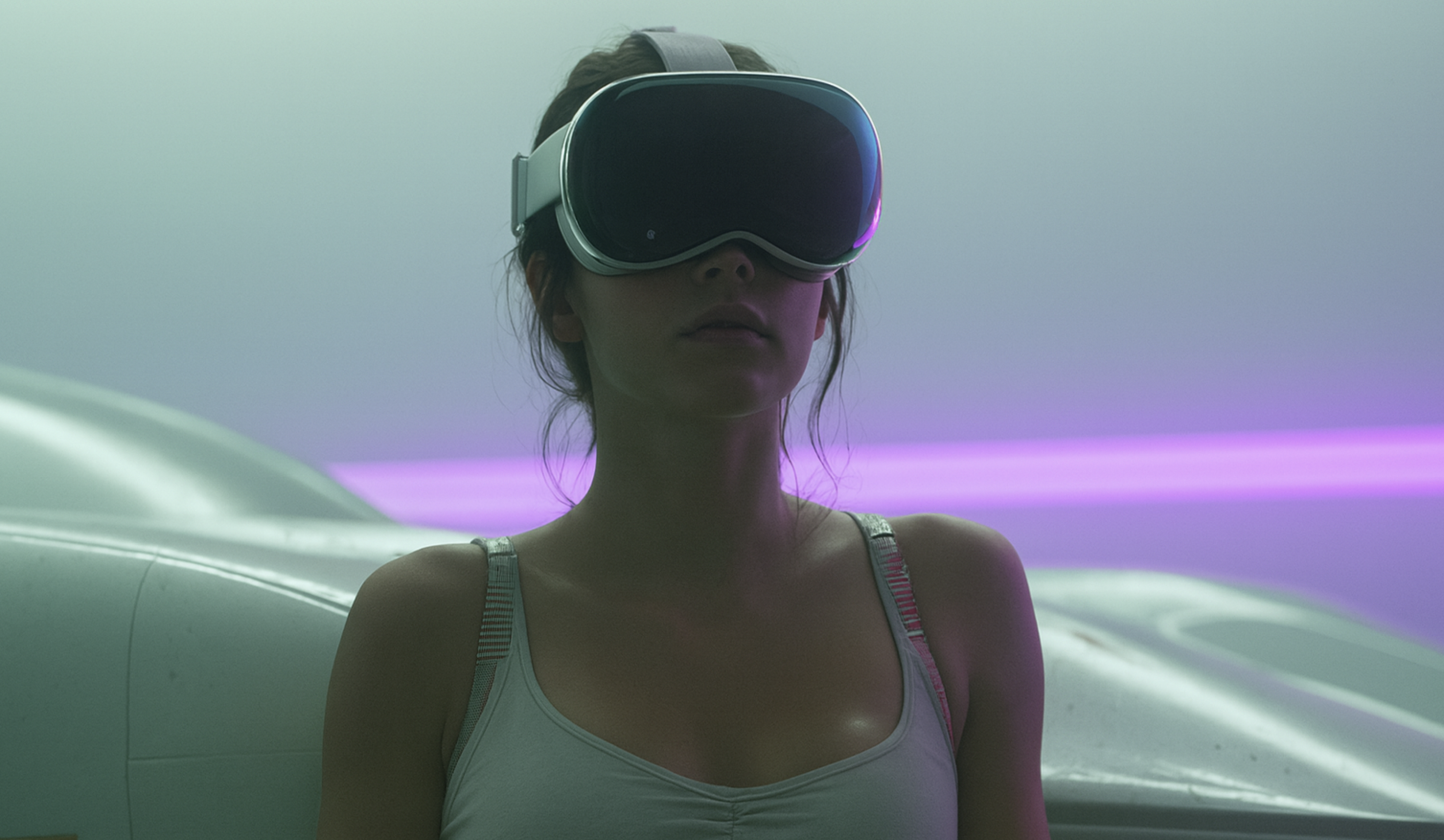
Apple Vision Pro loves to pretend you’re here for “family-friendly virtual reality content.”
Cute.
But the moment you start wondering how to watch VR porn on Apple Vision Pro, the headset suddenly gets a lot more interesting. Apple blocks explicit apps, hides WebXR, and acts like VR porn on Apple Vision Pro doesn’t exist. Yet the device handles immersive adult VR content beautifully: sharp stereoscopic 3D videos, smooth 360-degree scenes, spatial audio—the whole fantasy.
You just need to tease your VR headset in the right places.
This guide shows the exact methods to unlock adult entertainment, enable WebXR in Safari, and finally see what porn looks like on Apple Vision Pro when nothing holds it back.
Ready to push past Apple’s limits? Let’s begin.
Main Takeaways
- Apple’s adult-content restrictions
- WebXR setup on Vision Pro
- Streaming vs downloading VR porn
- Working VR players for Vision Pro
- Best VR porn sites for Apple Vision Pro
Table of content
Apple’s Policy on Explicit Content: Why Vision Pro Has No Porn Apps
Apple has one rule it never bends: if an app contains explicit content, it doesn’t enter the App Store. The company has enforced this policy for years. It doesn’t matter how polished the app is, how safe it is, or how popular adult VR content becomes. If it’s sexual, it never makes it through App Review.

But here’s the twist: Apple blocks adult apps, not adult access. Safari remains open. The browser loads VR video players, handles adult entertainment websites, and displays immersive VR content when WebXR is enabled.
The company shuts down the front door while leaving the windows unlocked. And Apple isn’t the only company doing this.
Sony uses the same approach on PSVR2: no adult apps in the PlayStation Store, yet users still manage to watch VR porn on PSVR2 through the browser or a PC connection.
Different headset, same moral policy, and the same simple workaround.
What’s the Big Deal About Vision Pro?
Before we get into how to turn on WebXR and unlock real VR porn playback, it helps to understand what the headset is actually capable of. Apple already released two versions of the device, and while the hardware changed, the setup for immersive content didn’t.
Here’s a quick, clean comparison to give you the full picture.
| Feature | Apple Vision Pro (2024) | Apple Vision Pro 2 (2025) |
|---|---|---|
| Chipset | M2 + R1 | M5 |
| Display | Micro-OLED | Updated Micro-OLED (brighter, cleaner) |
| Comfort | Solo Knit Band | Dual-Loop Knit Band |
| Weight | Heavier | Slightly lighter |
| Spatial Audio | Yes | Improved spatial accuracy |
| Tracking | Eye + hand | Same tracking system, smoother response |
| WebXR Support | Hidden behind Feature Flags | Identical setup, same Feature Flags |
| VR Performance | High | Slightly higher consistency in motion-heavy scenes |
Both headsets can handle immersive VR scenes with ease; Apple just prefers you never find out.

What VR Porn Looks Like on Apple Vision Pro
Both versions of Apple Vision Pro deliver a very similar viewing experience, so everything below applies to both models. The display, audio system and tracking all shape the experience, and this headset handles immersive content extremely well when the source is high quality.
Image quality
- Micro-OLED panels with 23 million pixels
- Clean stereoscopic 3D
- Strong contrast and minimal screen-door effect
- Sharp detail in well-shot 6K and 8K videos
What to expect. Good VR content looks sharp and stable. Depth feels natural, textures stay clear when you move your head, and lighting transitions look smooth. Poorly encoded videos won’t magically improve, but strong source files look noticeably better than on most headsets.
Immersive experience
- Accurate eye and hand tracking
- No controllers needed
- Smooth navigation inside WebXR players
What this changes. You browse with your eyes and tap your fingers to select. Switching scenes or adjusting the player feels effortless, which keeps you inside the moment instead of thinking about controls.

Spatial audio
- Sound follows your head movement
- Clear directional cues
- Better sense of presence
Effect. Voices, breath and ambient sounds sit exactly where they belong, anchoring the scene instead of floating around you.
Passthrough limitations
- High-quality passthrough for mixed environments
- Useful for brightness and spatial awareness
- Not designed for “AR porn” or hologram overlays
Reality check. Passthrough makes the space feel open, but it does not project performers into your room or create interactive AR porn scenarios.
The headset won’t enhance low-quality videos, but when a supported site delivers proper VR files, both Vision Pro models show them at their best—sharp, stable and far more immersive than what most headsets can offer today.
And since WebXR works the same way on both models, the next steps apply to every Vision Pro user as well.

How to Turn On WebXR Through Safari Settings to Watch VR Porn on Apple Vision Pro
If you want Safari to recognize real VR content, you need to enable WebXR. Apple hides these switches deep in the system, but once they are active, Vision Pro can finally display 180 and 360 VR videos the way they were meant to be seen.
Step 1. Open Settings on your Vision Pro.
Step 2. Go to Apps and select Safari.
Step 3. Scroll to the bottom of the Safari screen and open Advanced.
Step 4. Scroll again and open Feature Flags. This menu contains the experimental options that allow Safari to run immersive content.
Step 5. Turn on the following WebXR modules
- WebXR Device API
- WebXR Hand Input Module
- WebXR Augmented Reality Module
- WebXR GamePads Module
Vision Pro does not use controllers, so the GamePads module will not affect your experience, but most WebXR guides recommend enabling it for broader compatibility.
Step 6. Restart Safari. If the browser was already open, close it completely and launch it again. After this, Safari can run WebXR pages correctly.

When these switches are active, Vision Pro stops treating VR videos like flat clips and begins rendering depth, movement and perspective the right way.
Streaming vs Downloading VR Porn on Apple Vision Pro
After WebXR is enabled, you have two options for VR porn on Vision Pro: streaming through the Safari browser or downloading files and playing them in a VR video player.
Streaming VR porn
With WebXR active, Safari can load WebXR-based VR playback on supported sites. Open the site you use, pick a 180° or 360° scene, and watch it online. Streaming is fast and uses no storage, but quality depends on your connection, so Safari may lower the bitrate when the video is heavy or the network is unstable.
Downloading VR porn files
Downloading is better if you care about image quality and privacy. Install a VR video player from the App Store, open it, add your usual website, and download the scenes you want. Then play them locally from storage. You keep the full resolution, which helps with detailed shots and 8K videos, and playback stays offline, with no extra traffic or streaming logs.

If you choose downloading, the next step is finding a player that can open VR files correctly on Vision Pro.
VR Video Players That Work on Apple Vision Pro
Vision Pro can play local 180° and 360° videos, but only through apps that support VR formats and metadata. Safari handles streaming, while downloaded files require a dedicated player.
Here are the options that actually work on VisionOS today.
Moon Player (the most reliable choice)
Moon Player is the strongest performer right now. It handles local files, network drives and NAS setups, reads VR180/VR360 metadata correctly, and supports resolutions up to 8K. Playback is sharp thanks to Vision Pro’s optics, and the player offers practical settings like tilt, height, and hand-tracking controls. For consistent, high-quality VR playback, this is the app Vision Pro users rely on most.
Skybox VR Player
Skybox is a good option if your library lives on a PC, NAS or cloud storage. It supports 3D formats and high-resolution files, and its network streaming is stable. The interface is simple and smooth, though the VisionOS version is less optimized than Moon Player when it comes to VR-specific controls.
POVR Player (for POVR subscribers)
POVR’s player is mainly for people already subscribing to the platform. It offers quick access to the POVR library, responsive hand-tracking navigation and a clean interface. It’s built for streaming rather than local playback, but convenient if you use POVR regularly.
Reality Player (limited and inconsistent)
Reality Player supports some VR formats, but its codec compatibility is unreliable. Many users report that files download correctly yet refuse to open, especially VR180 videos with higher bitrates. The app also struggles with metadata detection, so some clips load as flat 2D instead of stereoscopic.
Once you’ve picked your player, you’re ready for the fun part—choosing where the fantasy comes from. VR porn on Apple Vision Pro can look incredible, but only if you feed it the right scenes. The better the source, the hotter the experience, and some VR platforms know exactly how to treat this headset.
Best VR Porn Sites for Apple Vision Pro

Not every adult site offers true VR files, and even fewer work well with Vision Pro’s WebXR setup. For good depth and smooth playback, you need sites that offer real VR videos with proper metadata. Below are the VR porn sites that deliver that quality and work reliably on Apple Vision Pro.
SexLikeReal

SexLikeReal is a strong choice for users who want one of the largest libraries of VR adult content with broad headset support, frequent updates, sexy hotties & strong community. The platform offers scenes from numerous studios, making it easy to explore what you like in one place. On Apple Vision Pro, SLR delivers a sharp, immersive viewing experience, while the intuitive interface keeps browsing simple. It’s a solid option for users looking for variety, high-quality VR content, and a well-established platform.
VRPorn.com

VRPorn.com is the easiest place to start if you want a huge variety without juggling multiple subscriptions. The site pulls content from many studios, so you can explore different styles in one place. Videos look great on Vision Pro’s display, and the overall experience feels smooth and uncomplicated. If you want a broad library and reliable quality, this platform delivers.
BaDoinkVR

BaDoinkVR is known for consistency. Their scenes are clean, well-lit, and shot with real attention to detail, which translates beautifully on Vision Pro. Nothing feels rushed or sloppy—the pacing, angles and visual clarity all work together. If you prefer polished, professional VR content that looks sharp inside a high-end headset, BaDoinkVR is a safe pick.
VR Bangers

VR Bangers leans into premium VR porn visuals and a more cinematic style. The scenes feel rich and smooth, with natural motion and strong aesthetic choices. On Vision Pro, that extra production value really stands out. If you enjoy long, detailed VR experiences with a polished look, VR Bangers is one of the strongest options.
POVR

POVR is great if you want quick viewing without overthinking it. The site brings together content from several studios, which means plenty of variety and easy browsing. Videos look clear and well-defined on Vision Pro, and the overall vibe is straightforward: pick a scene, press play, enjoy. Perfect for users who want something simple and satisfying.
VirtualRealPorn

VirtualRealPorn focuses on intimate, close-up VR experiences with a natural, relaxed feel. Their style works especially well on Vision Pro: slower pacing, grounded performances, and an emphasis on connection over spectacle. If you prefer VR scenes that feel personal and immersive rather than overly staged, VRP is a great match for the headset.
When Apple Vision Pro Stops Playing Innocent
Now you know exactly how to push past Apple’s limits and make Vision Pro show its real potential. Once everything is set up, the device stops pretending to be polite, and the experience becomes deeper, sharper and far more intimate than flat videos ever allow. Enjoy it responsibly… and enjoy it fully.
FAQ
Yes. Vision Pro blocks adult apps, but browser-based VR content works.
Enable WebXR in Settings, open a supported site, and play the video.
No. Apple bans explicit apps, but doesn’t block adult content in the browser.
WebXR unlocks VR playback in the browser. Without it, videos stay flat.
Moon Player is the most reliable option for downloaded VR files.
Yes, if you use trusted sites and private browsing.
You can do both. Streaming is simple; downloads offer better quality.
High-quality VR videos look sharp and clear thanks to the micro-OLED display.
No. Only browser-based platforms work.
Vision Pro offers cleaner visuals and smoother control, but fewer native tools.